What makes an indicator replay-safe (and why most aren't)
You backtest a strategy against historical data, it prints money. You run it against NinjaTrader Market Replay with the same data, the equity curve is different. The data did not change. The indicator did.
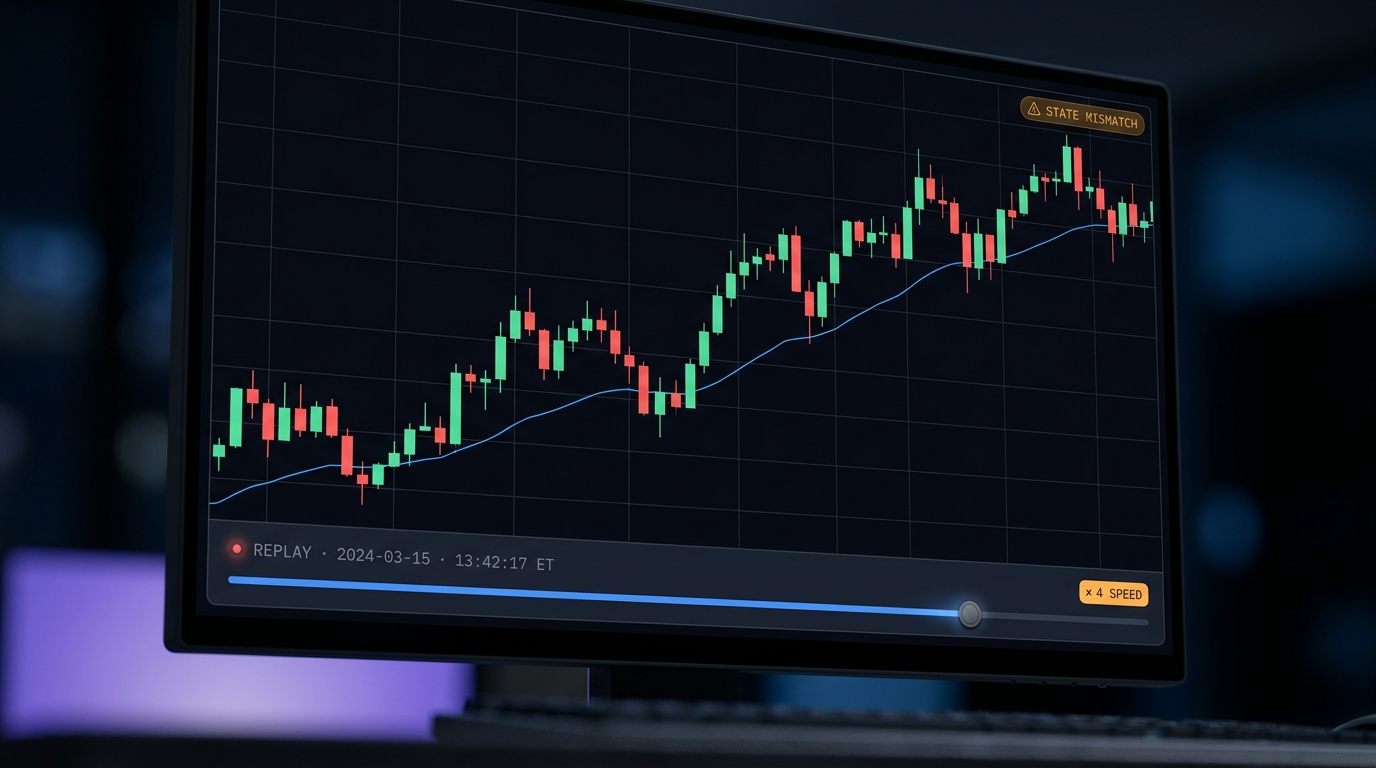
You write a strategy. You backtest it against two years of ES data. The equity curve is beautiful. You run the same strategy against NinjaTrader Market Replay on the same two years, and the equity curve is different. Sometimes a little, sometimes a lot. The data did not change. The data feed is the same. What changed is the indicator.
Replay-safe code is one of the quietest tells of indicator quality. It is not a feature you advertise. It is the thing that, when it is missing, makes every backtest a bet on whether the author thought about replay mode at all.
What replay mode actually is
Market Replay feeds historical tick data into your indicator in real time, at a speed multiplier you choose. The order book reconstructs. Trades print. OnMarketData fires. From the indicator’s perspective, it is live. From the platform’s perspective, it is playing a tape from a specific instrument on a specific day.
That sounds like a faithful simulation, and in the simple cases it is. The problem is that a lot of indicators accumulate state. State that was built up from previous session data during a live session does not exist during replay, because replay starts with nothing in memory. If the indicator quietly depends on that stale state, it behaves differently on replay than it did live, even on identical ticks.
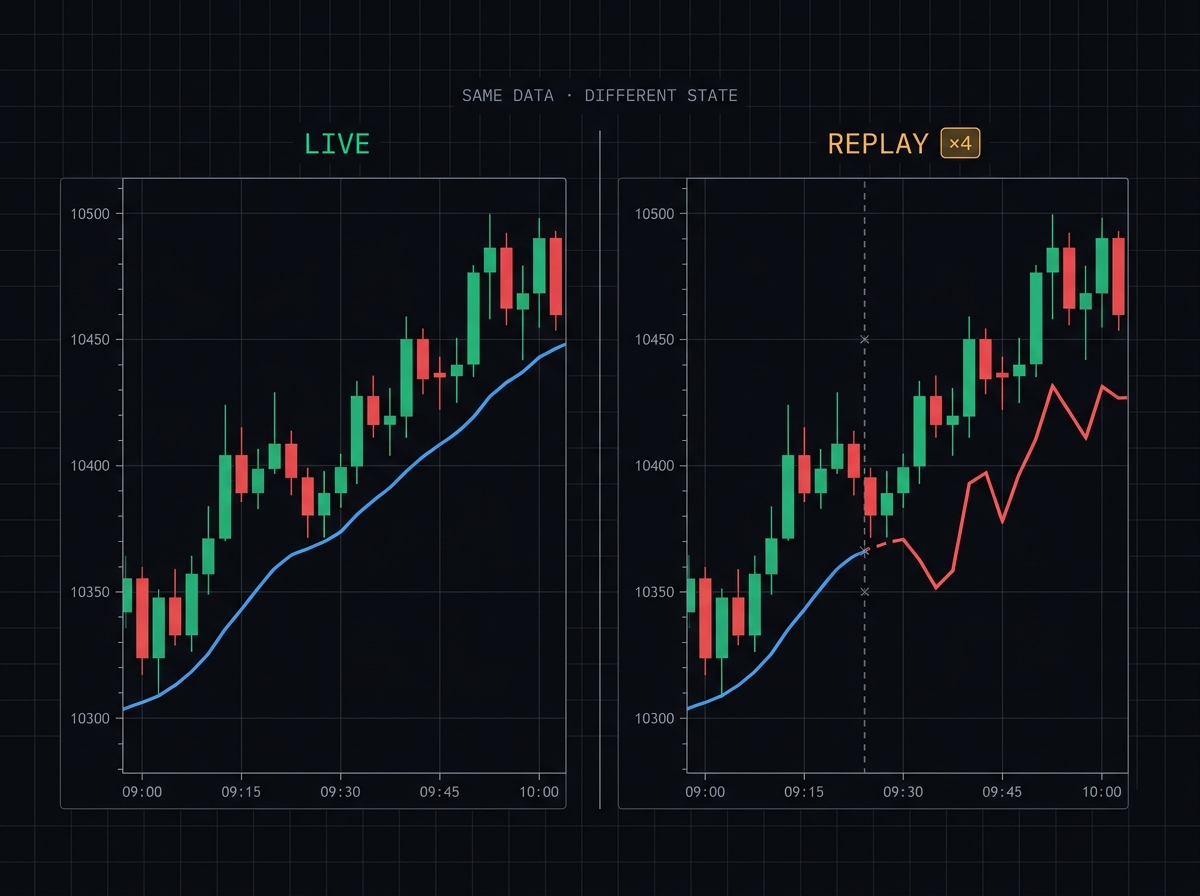
The data feed is identical. The state the indicator kept was not.
The four things that break
In the open-source code and vendor DLLs I have audited, almost every replay bug falls into one of these four buckets.
1. Session-scoped state that never resets
Cumulative delta. Session VWAP. Initial Balance. Anything that accumulates from the session open. If the reset logic checks a wall clock (Time[0].Hour == 9 && Minute == 30) or a bar index (CurrentBar == 0), replay will either miss the reset entirely or trigger it at the wrong moment depending on how replay starts and how the user’s time zone is configured.
The fix is to use NinjaTrader’s SessionIterator with IsNewSession() against the current bar or tick time. That works identically in live and replay because it asks the session definition for its opinion, not the wall clock.
2. Tick accumulation without a stale-data filter
Indicators that use OnMarketData to aggregate tick data (cumulative delta, footprint, pace of tape) tend to double-count on replay. The reason is subtle. When you load an instrument on a new chart mid-replay, the indicator gets called through the historical bars to warm up, and during that warm-up, OnMarketData can fire with tick events whose timestamps are already in the past relative to where replay is sitting. If the indicator accumulates those, it adds volume that never actually existed in real time at that position.
The canonical guard looks like this:
protected override void OnMarketData(MarketDataEventArgs e)
{
    // During replay, skip ticks from the future of the replay cursor
    if (Connection.PlaybackConnection != null
        && State == State.Historical
        && e.Time >= Connection.PlaybackConnection.Now)
    {
        return;
    }

    // Safe to process
    AccumulateDelta(e);
}
Five lines. Two conditions. Absent from about half of the tick-accumulating indicators you can find on GitHub.
3. SharpDX resources bound to connection lifecycle
This is the visual bug. An indicator creates DirectX brushes in CreateSharpDXResources and disposes them in DisposeSharpDXResources. In live mode this works. When you flip into replay (which is a connection change, internally speaking), the render target swaps, and if the indicator holds onto the old brushes, you get a sudden NullReferenceException or garbled rendering until the chart fully reloads.
Two things matter. Always call base.CreateSharpDXResources() and base.DisposeSharpDXResources() first in your own implementations so the base class gets a chance to manage its shared dxWriteFactory. And always null-check your brushes at the top of OnRender rather than assuming they exist.
4. Brushes that are not frozen
WPF has a threading quirk. A Brush created on the UI thread cannot be freely used from the NinjaScript thread that runsOnBarUpdate. In live, this usually gets away with it because the brush is touched enough that it stays fresh. In replay, especially at higher speeds, the platform runsOnBarUpdate on threads that can trip the cross-thread access, and you get an invalid-operation crash or silently garbled colors.
The fix is one line per brush, in State.Configure:
if (State == State.Configure)
{
    UpBrush.Freeze();
    DownBrush.Freeze();

    // Brushes whose opacity you modify need to be cloned first
    FillBrush = FillBrush.Clone();
    FillBrush.Opacity = 0.3;
    FillBrush.Freeze();
}
How to test whether your indicator is replay-safe
There is a five minute test that will surface most of the above.
- Load the indicator on a chart with at least one full session of historical data. Record the indicator’s value at three specific bar times, using the data tooltip.
- Close the chart. Open a fresh chart with the same instrument and the same timeframe. Load the indicator.
- Start a Market Replay session that covers the same historical window. Let it play to each of the three bar times you recorded. Record the indicator’s value at those exact bars during replay.
- Compare. If any of the three values differ, you have a state divergence. Walk backward through the session to find the first bar where the values disagreed. That bar is where the indicator is relying on state that did not survive the switch.
The most common culprit is a session reset that used a wall-clock check. The second most common is tick accumulation without the playback-time guard. Both are ten minute fixes, if you can see the source code. If you cannot, you have a different problem.
Why this is hard to fix after the fact
Replay-safety is one of those properties that has to be designed in. Not because the techniques are exotic, but because the assumptions about state propagate everywhere. An indicator that started out depending on wall-clock session detection may have features layered on top that also depend on that decision, and rebuilding it to use the session iterator means touching everything downstream.
This is the boring reason QuantForged indicators ship with a public changelog that goes back to v1.0.0 of each file. Not as a marketing flex. Because if we ever have a replay mismatch reported by a founder, we have to know which version introduced the assumption that broke. Every one of the Edge 10 passes the five-minute test above, which is why we are willing to write the words “replay-safe” on the product page in the first place.
If you are buying indicators from anyone, including us, the question to ask is not whether their code is good. The question is whether they have ever put it through a replay session and watched what happened. A lot of authors have not.